Numbers with a rhythm.
Follow the call and enjoy the little moment of anticipation that makes Bingo feel like Bingo.
A FAMILIAR FAVORITE, READY TO GO
A little pause.
A lot to enjoy.
Take the familiar Bingo rhythm with you. Download the Android APK directly, then follow the simple installation guidance below.
Download for AndroidDIRECT DOWNLOAD / BINGO.APK
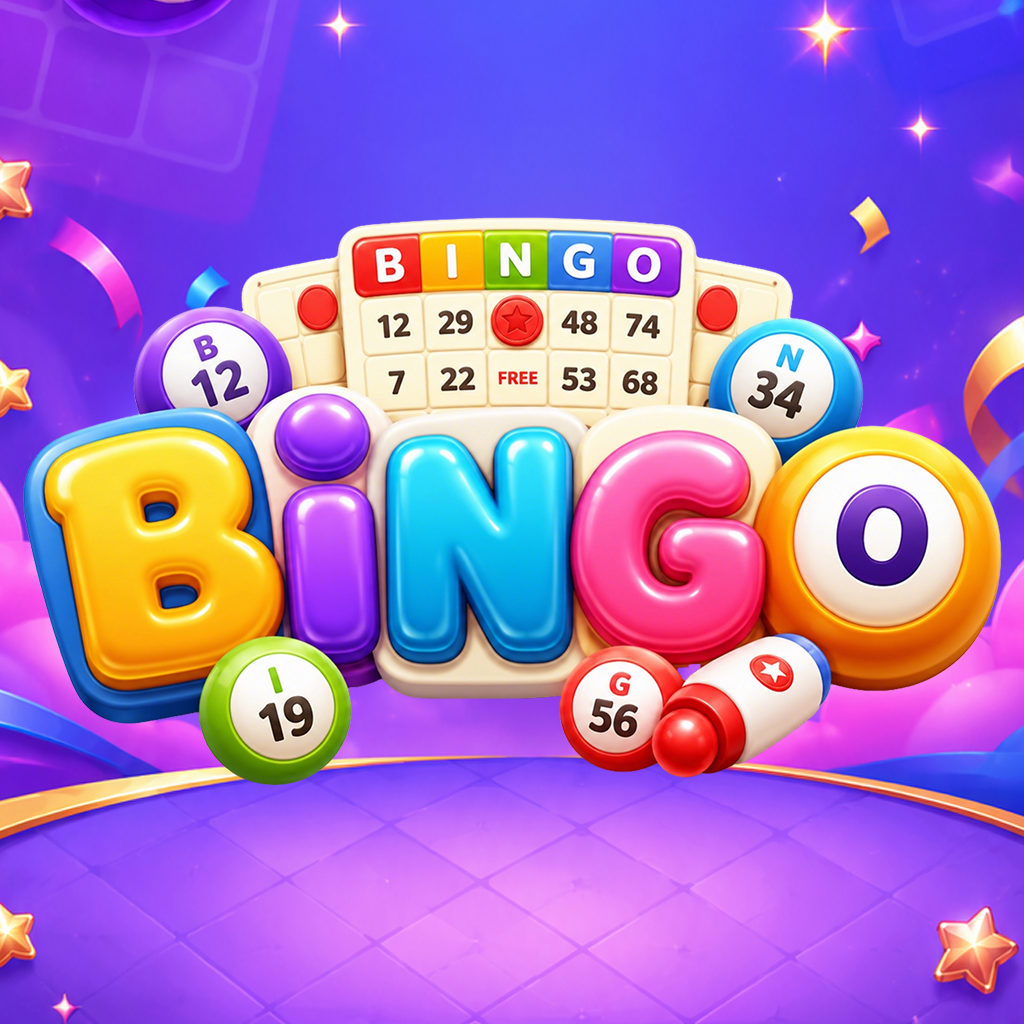 THE GAME / IN YOUR HANDS
Some games make themselves at home in your day. Bingo is one of them: recognizable, easy to return to, and ready for your next moment of play.
Follow the call and enjoy the little moment of anticipation that makes Bingo feel like Bingo.
Keep the game on your Android device for the moments you want to make time for it.
Download the Android file here and review each installation step before opening it.
02 / THE PRACTICAL PART
Use your Android device to download and install Bingo.apk.
Tap Download for Android. Wait for the file to finish, then find it in your browser or Downloads folder.
Open the APK. Android may ask for permission to install from your browser. Read the device prompt before proceeding.
Choose Install, then open Bingo. You can remove the browser's installation permission in Settings afterward.
Yes. APK files install on compatible Android devices, not on iPhone or iPad.
Look in your browser's downloads or your Android Files app's Downloads folder. Wait for the download to finish before opening it.
Android may request permission for an APK outside an app store. Read what the device asks, and continue only if you intended to install Bingo.
Check that the file is complete and your device has storage. Compatibility and security settings vary; follow the device's message and do not ignore warnings you do not understand.